> For the complete documentation index, see [llms.txt](https://docs.personaldiscount.io/llms.txt). Markdown versions of documentation pages are available by appending `.md` to page URLs; this page is available as [Markdown](https://docs.personaldiscount.io/discounteo-for-shopify/integrate-discounteo-with-your-email-service-provider/mailchimp/connect-to-mailchimp.md).
# Connect to Mailchimp
First step to setup Discounteo is to connect with Mailchimp. Discounteo integrates with Mailchimp to get notified about new subscribers and assign unique discount codes to their profiles
To start off click the Connect button in the Mailchimp section on the settings page:
Connect the Shopify store to your Mailchimp account
You will see a screen to enter a username and password of your Mailchimp account:
Log in and authorize your Mailchimp account
Discounteo does not store your credentials not even sees them for a moment. Authorization is handled by Mailchimp and if it passes then Discounteo gets only an authorization token.
Your username in Mailchimp is typically different than your email address. If you get an error saying "Sorry, we couldn't find an account with that username", then please try recovering your username by providing your email address here
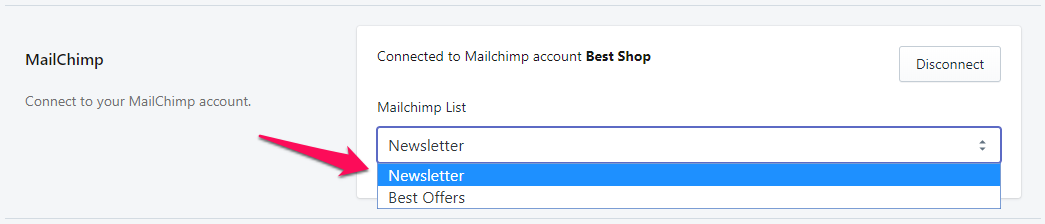
When you log in successfully then you get back to the settings page. Now you can choose a list that you want to be served by Discounteo: